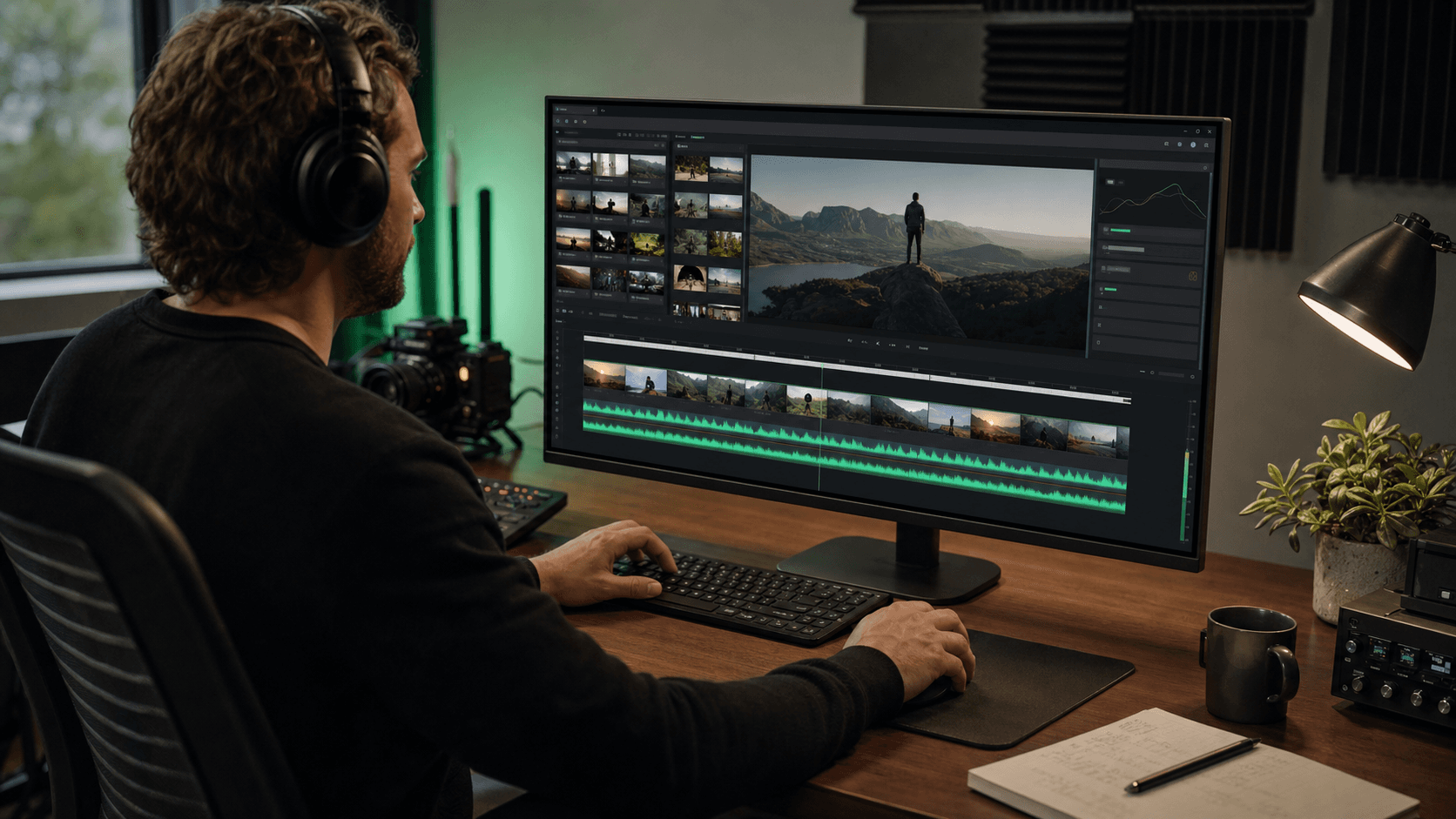
Edit complete videos
directly in your browser
Upload your footage, organise scenes on a familiar timeline, refine sound and pacing, and export the finished cut—all from one straightforward online studio.
Published Projects
Edited with SolidFrame
The latest projects creators chose to share publicly.
A complete production system for any type of video
The same coordinated workflow can shape campaigns, animated stories, property films, presenters, and cinematic teasers—from first reference to mastered export.
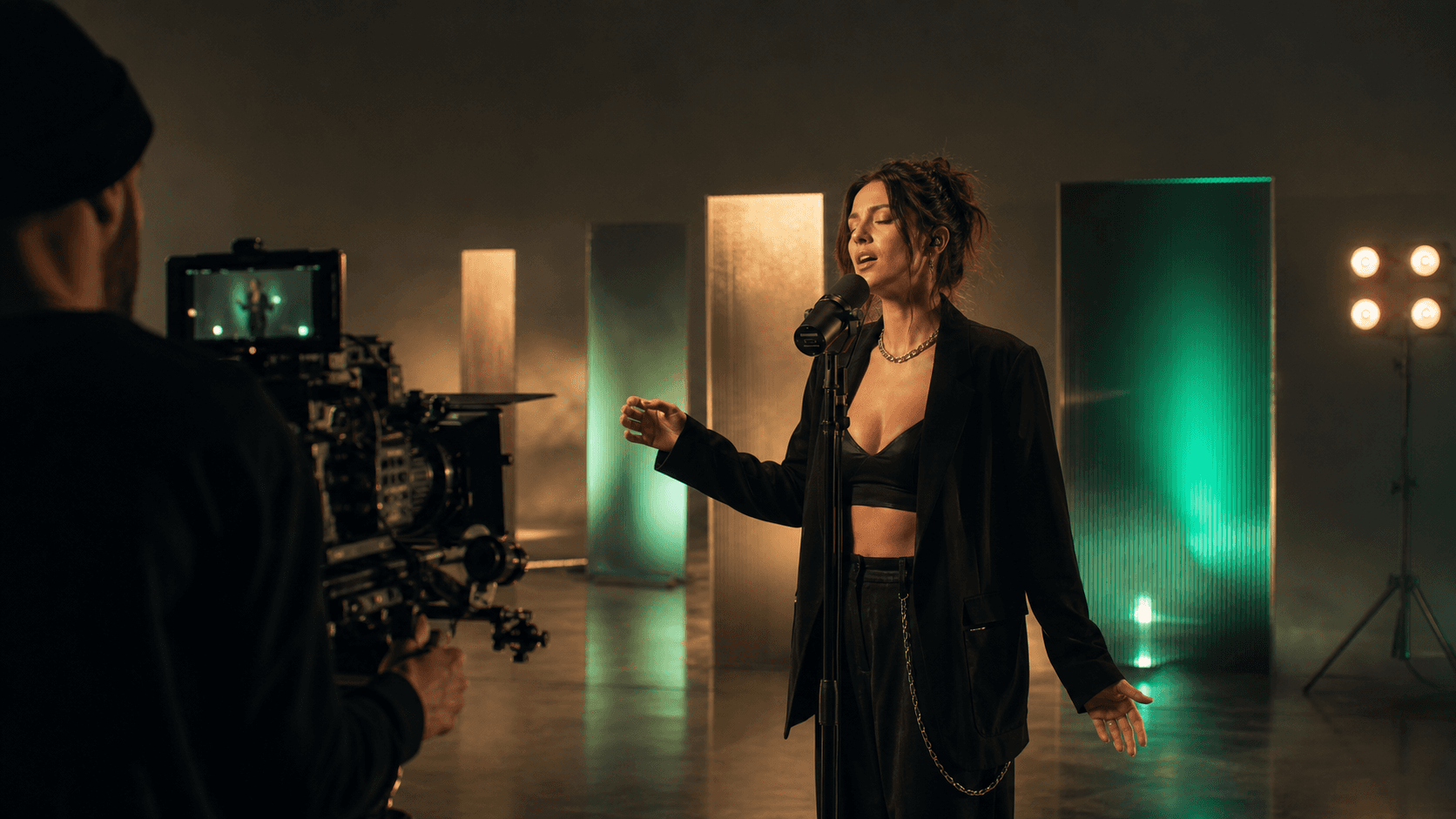
Music videos
Beat-aware storyboards, shot planning, lip synchronization, visual references, and generations ready for the editing timeline.
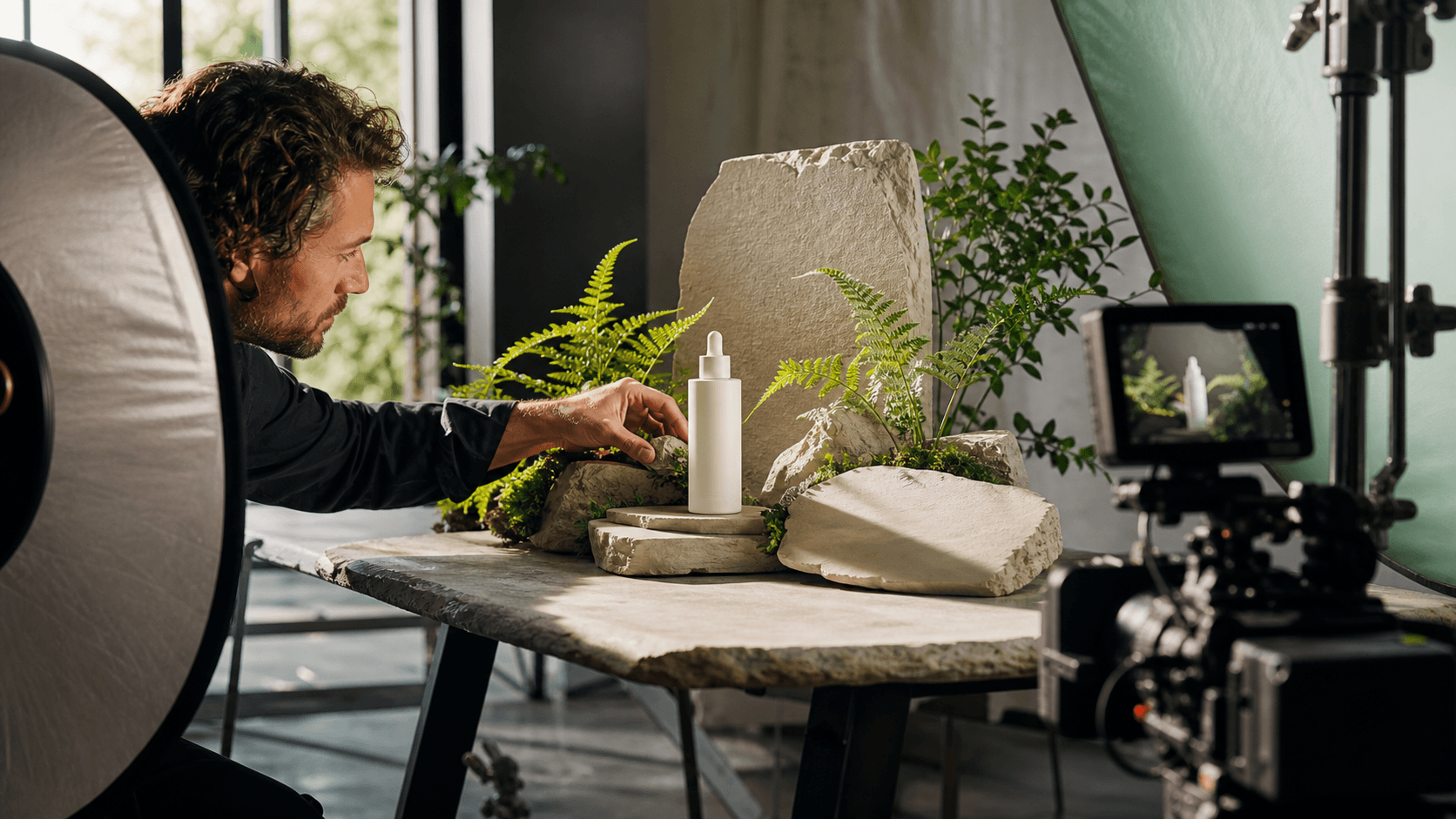
Ads & promos
Fast product concepts, social-first edits, brand moodboards, variants, and final clips for campaigns.
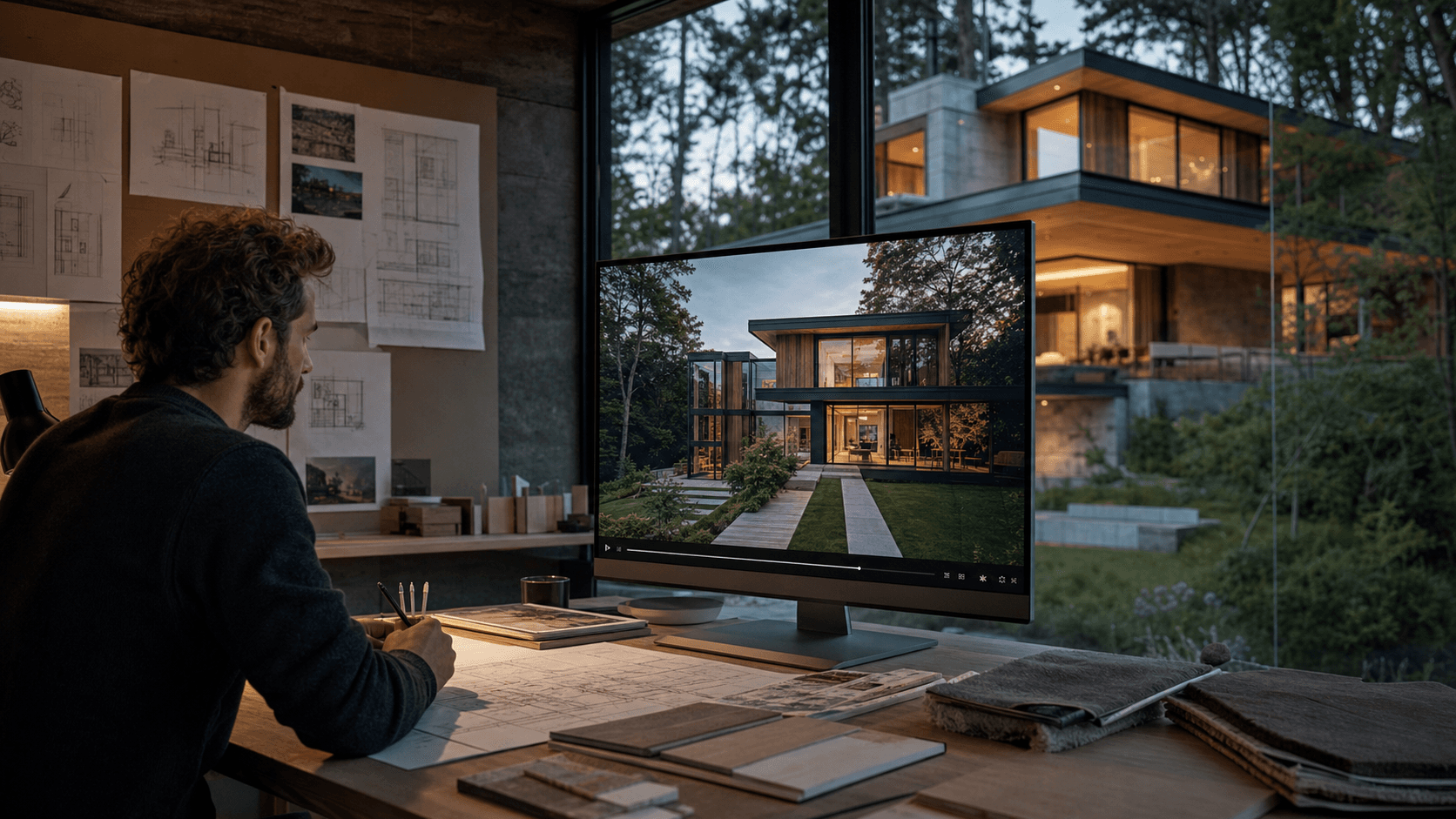
Architecture
Atmospheric walkthroughs, facade reveals, interior moods, real-estate teasers, and concept visualization.

Kids cartoons
Short animated stories with reusable characters, safe visual worlds, narration, sound effects, and episode-style structure.
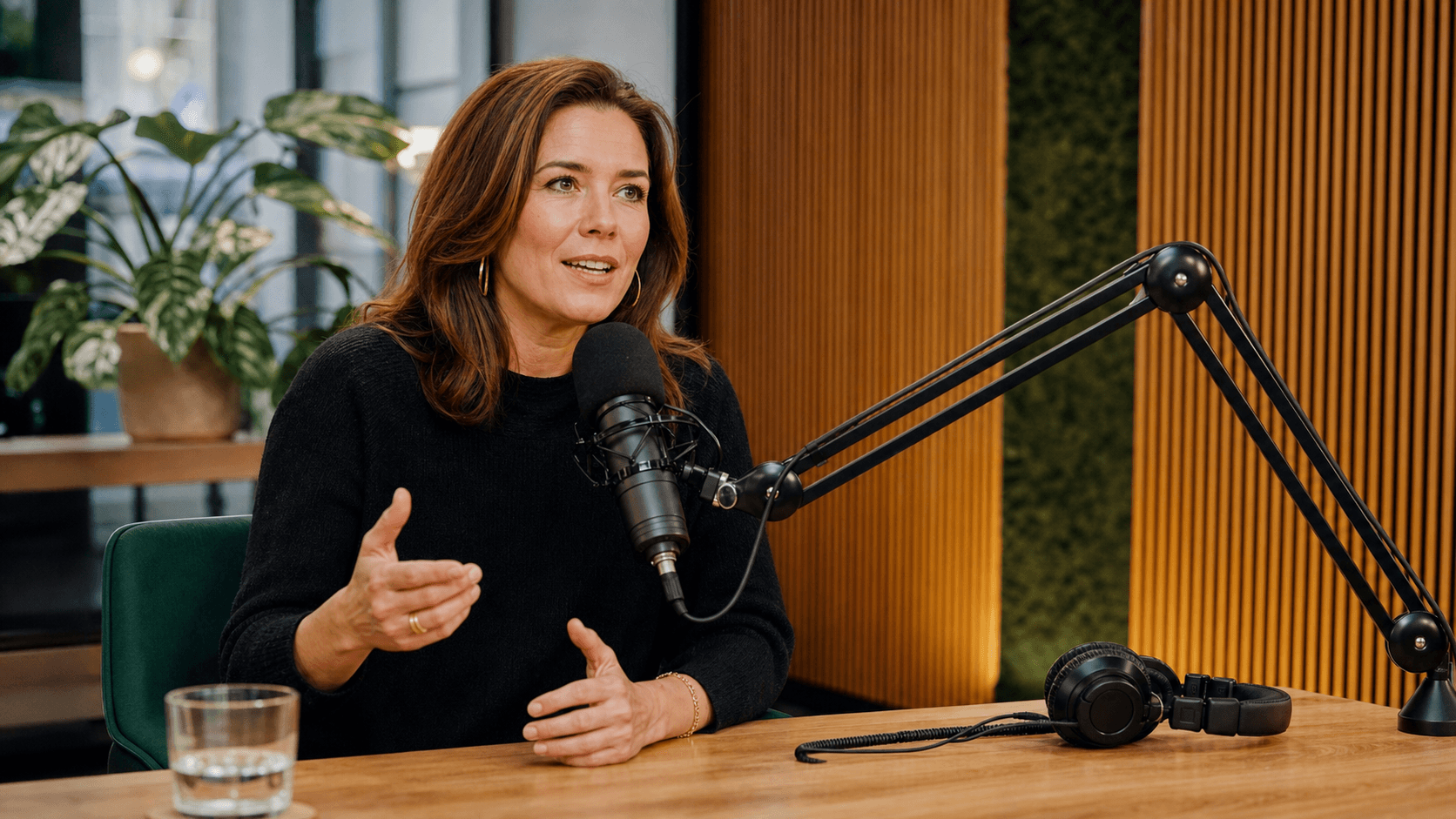
Podcasts & presenters
Long videos from one continuous shot with a speaking host or character. Great for podcasters, explainers, and virtual presenters.

Book trailers
Cinematic trailers for novels, scenes, characters, worlds, and atmospheric teaser campaigns.
Everything you need to finish the edit online
A clear browser workflow for planning, assembling, reviewing, and exporting video without installing heavyweight desktop software.
Production Assistant
Use the optional AI assistant to shape a brief, plan shots, review edit decisions, or create missing visual and audio material when you need it.
Rhythm and structure
Map scenes to the soundtrack, review pacing, and shape the story around the moments that matter.
Storyboard planning
Turn a rough concept into a practical sequence of scenes before committing time to the final edit.
Media library
Upload, organise, preview, and reuse footage and images without losing track of the best takes.
Sound workspace
Balance music, speech, and effects alongside the picture so every transition feels intentional.
A familiar editing flow, wherever you work.
SolidFrame Studio runs entirely in your browser. Review takes, reorder scenes, control timing, refine sound, and keep the whole production available from any modern computer.
- Optional AI assistant for planning, edit decisions, and generations
- Speech and performance synchronization
- Browser timeline for scenes, music, and sound
- Quick take replacement and version comparison
- Organised media library for every project
The rough cut is ready. Scene 4 runs long, so I marked a tighter transition. I can also generate a replacement shot if the current take does not work.
The approved city wide shot is now linked to scene 4 and available on the timeline.
Clear usage-based production pricing
Editing stays at the centre of the studio. Credits are used for optional AI-assisted image, video, music, sound, and lip-sync generations—and only when a task completes successfully.
Starter
For first tests, image references, and short video drafts.
- Image and storyboard generation
- Short video drafts and scene variants
- Full browser access to SolidFrame Studio
Creator
For music videos, promo clips, lip-sync passes, and variants.
- Music-video and promo workflows
- Synchronized lips and character video tasks
- Full browser access to SolidFrame Studio
Studio
For regular production, campaign batches, and client projects.
- Batch generation for campaign materials
- Larger credit reserve for production work
- Full browser access to SolidFrame Studio
Access terms
The service provides online access to the SolidFrame editing workspace, its Production Assistant, and optional generation tools. Credits are added after payment and used according to the production table below.
Optional production tools
Show all available tools
Bring your next story into production.
Create your account, confirm it through the link we send by email, and start editing with 300 complimentary credits.
Good questions, clear answers
What is SolidFrame Studio and who is it for?
SolidFrame Studio is a fully online workspace for taking video from an initial idea to a finished edit. It is designed for creators, musicians, marketers, and small teams who want a clear workflow without installing complex desktop software.
How much does it cost and how do credits work?
Credits cover optional media processing and content services. Choose the package that matches your production volume:
The editor itself stays simple and predictable, while any paid production operation shows its credit cost before you start.
- Starter (1,200 credits) — €9.90
- Creator (4,000 credits) — €29.90
- Studio (15,000 credits) — €99.00
How is SolidFrame different from a traditional desktop editor?
SolidFrame runs in the browser, so there is no large application to install or maintain. Your project structure, media, edit timeline, reviews, and exports stay together in one online workspace.
Optional assisted tools are available when useful, but the editing workflow remains familiar and under your control.
What can the Production Assistant do?
The optional AI assistant can help organise a brief, storyboard, scene order, media, and edit decisions. When footage is missing, it can also run image, video, music, sound, and lip-sync generation tools directly from the production workflow. You decide what to use and remain in control of the final edit.
What is the difference between the Project Library and the Editing Timeline?
The Library stores all uploaded and created media. The Editing Timeline is where you arrange the selected takes, music, and sound in the exact order of the final video.
I registered, but did not receive an email. Where is my link?
Please check the Spam and Promotions folders in your mailbox. The account activation and bonus email often lands there.
Who owns the rights to the created video?
All rights to videos you create on our platform belong to you. You can use them for personal and commercial purposes.
How long can an edited video be?
The final length depends on your project structure and available media. You can build the edit scene by scene and extend the browser timeline as the production grows.
Is the studio available in English?
Yes. The SolidFrame Studio interface and customer experience are provided in English for the European service.
Can I change the storyboard and scene order?
Yes. You can rewrite the plan, reorder or replace scenes, adjust references, compare takes, and refine individual sections without rebuilding the whole project.
Which video formats are supported?
SolidFrame supports common web and social-video formats, with clips prepared for browser editing and final export inside the studio.
Is this tool free?
Registration may include introductory credits. Optional media processing and content services use paid credits, with the price shown before each operation.
How quickly can I start editing?
The studio opens in your browser with no software installation. Processing time for exports and optional media operations depends on project length and complexity.
How is my data protected?
We use account-based access, keep projects tied to your profile, and do not publish your materials unless you choose to share or publish them. Payment and account flows use protected service integrations.
Need a more specific answer?
Talk to our team about access, production credits, browser compatibility, or setting up your first edit.
Accepted payment methods